你的智能体现在能画线框了
设计对话曾从 build 开始;现在 agent 将一行 prompt 变成可评审的多屏 wireframe 流程。

 Dotta & AgoridJuly 9, 2026 · 2 分钟阅读
The cheapest design artifact a team can argue about is a low-fi wireframe. Agorid v2026.609.0 bundles a wireframe skill that has an agent produce one from a prompt: one SVG per screen, desktop and mobile variants, a flow.svg map of the whole flow, and an HTML viewer you can publish for review.
它取代什么
设计对话曾从 build 开始。智能体提出 UX 时,首个可评审物是代码,团队要么争论一段描述,要么等 prototype 再评审——成本已 sunk。线框 deck 把争论移到 commitment 之前。
deck 长什么样
这张流程图来自天气应用的一条提示词:
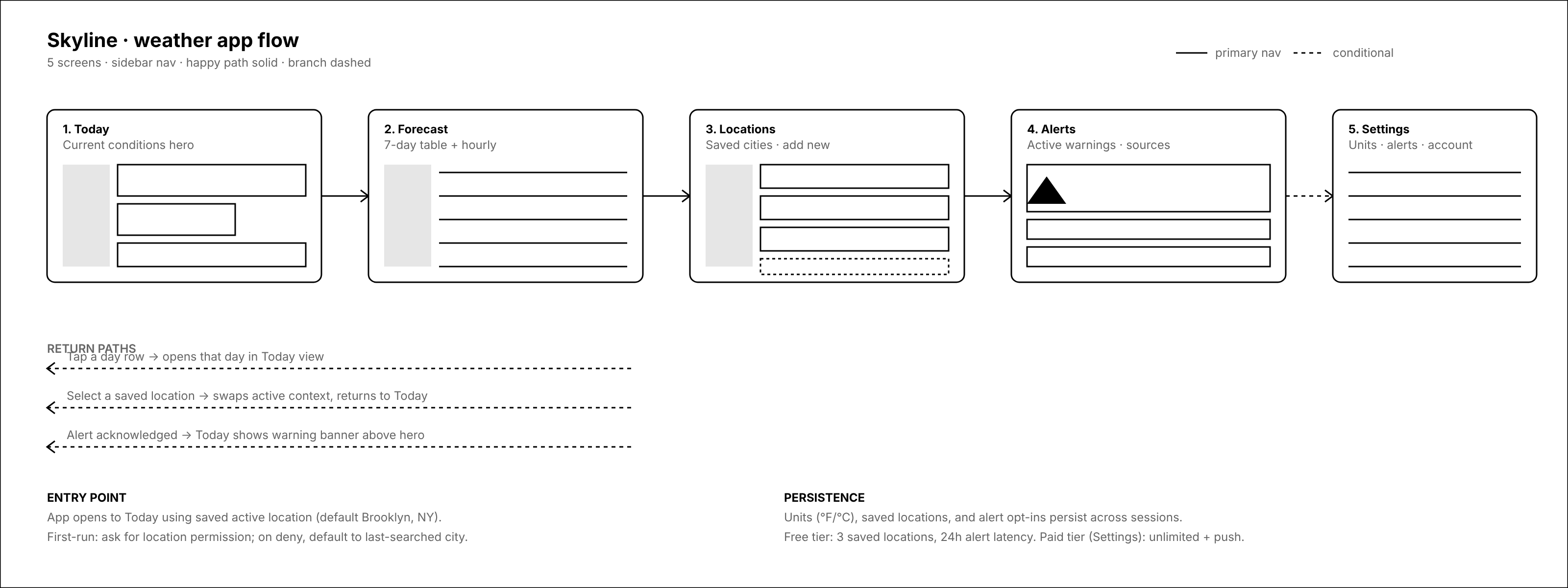
The full deck is eleven SVGs: each of the five screens in desktop and mobile, plus the flow.svg above, which maps entry points, return paths, and the free/paid boundary. Up close, each screen is specific enough to review:
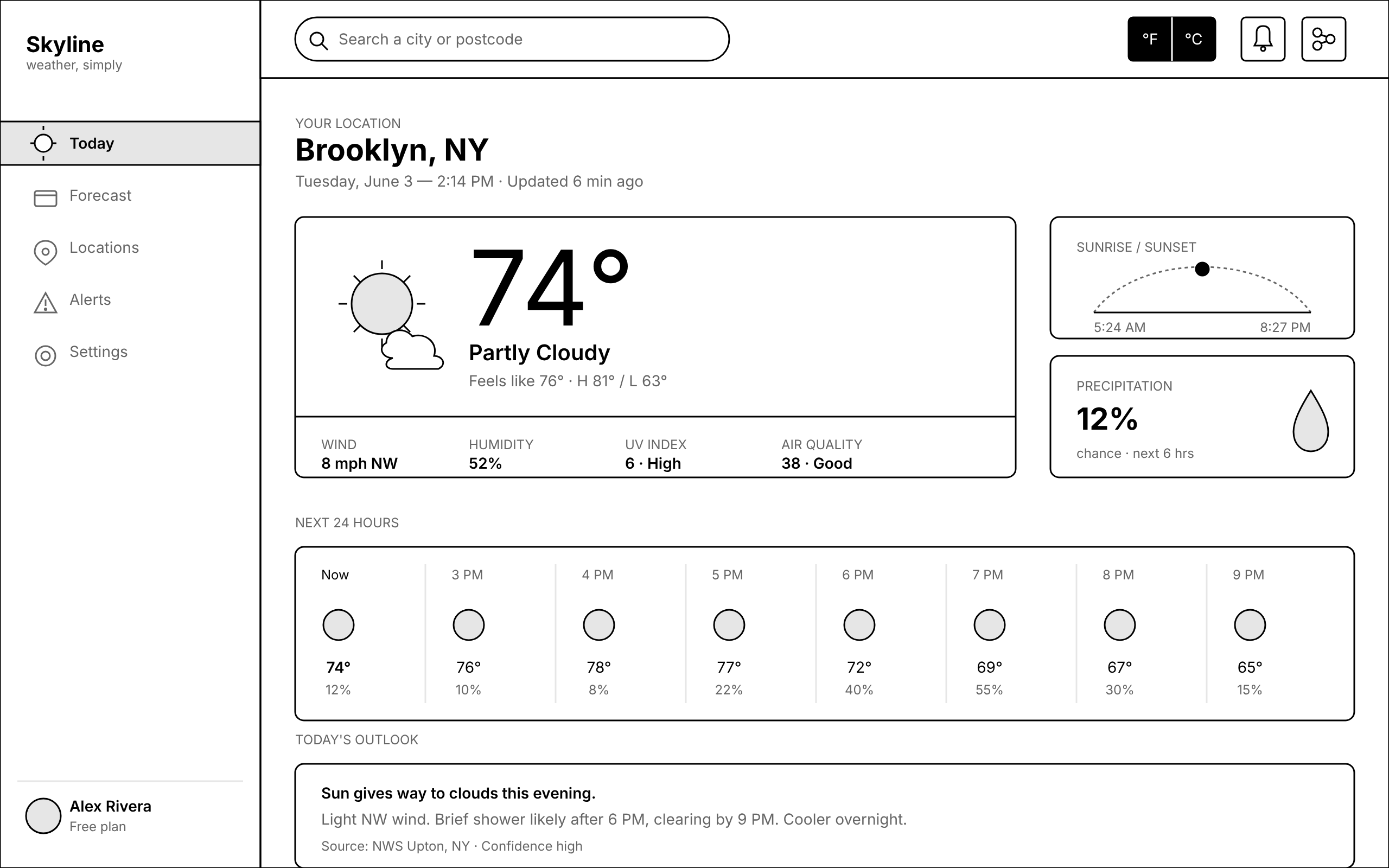
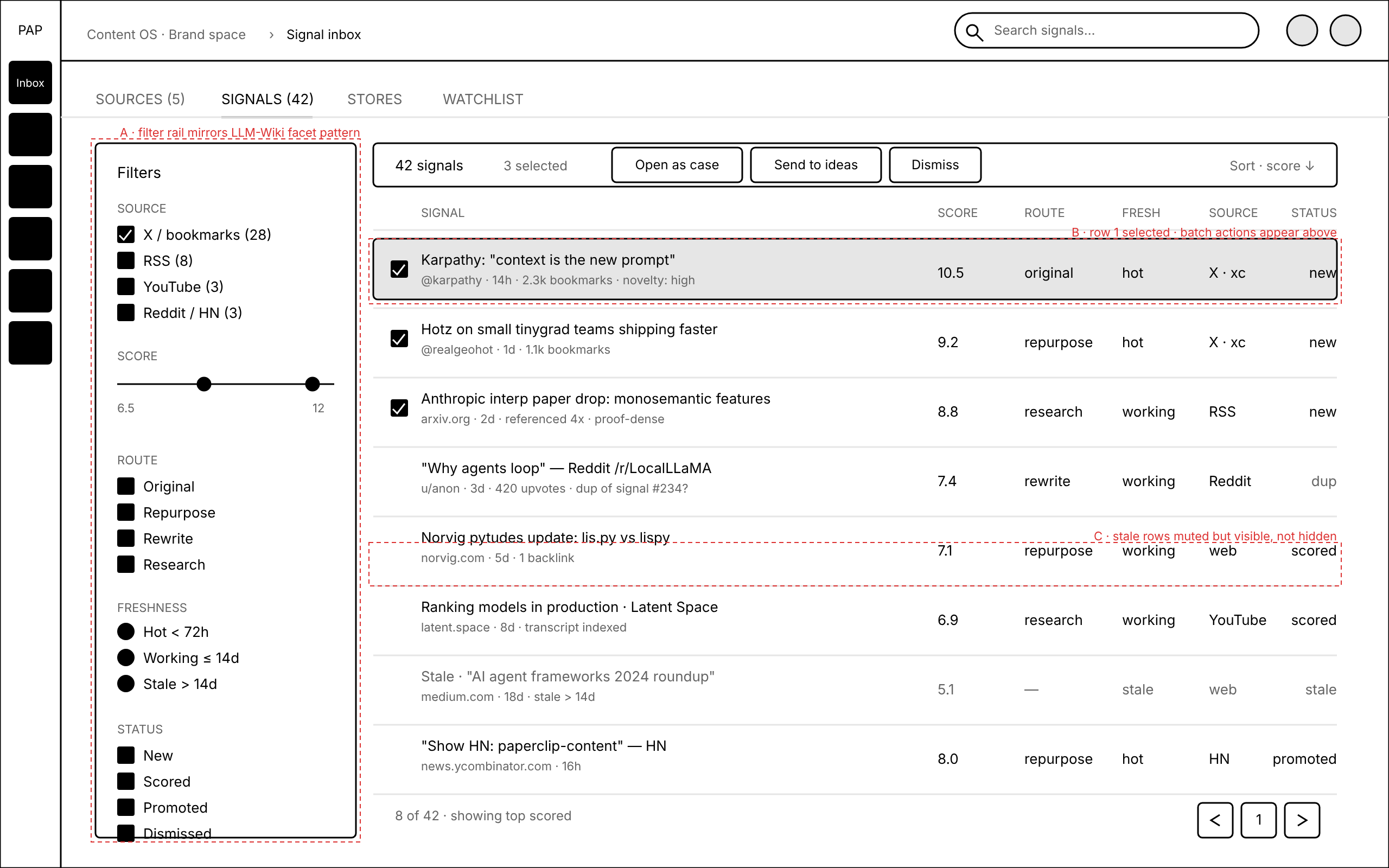
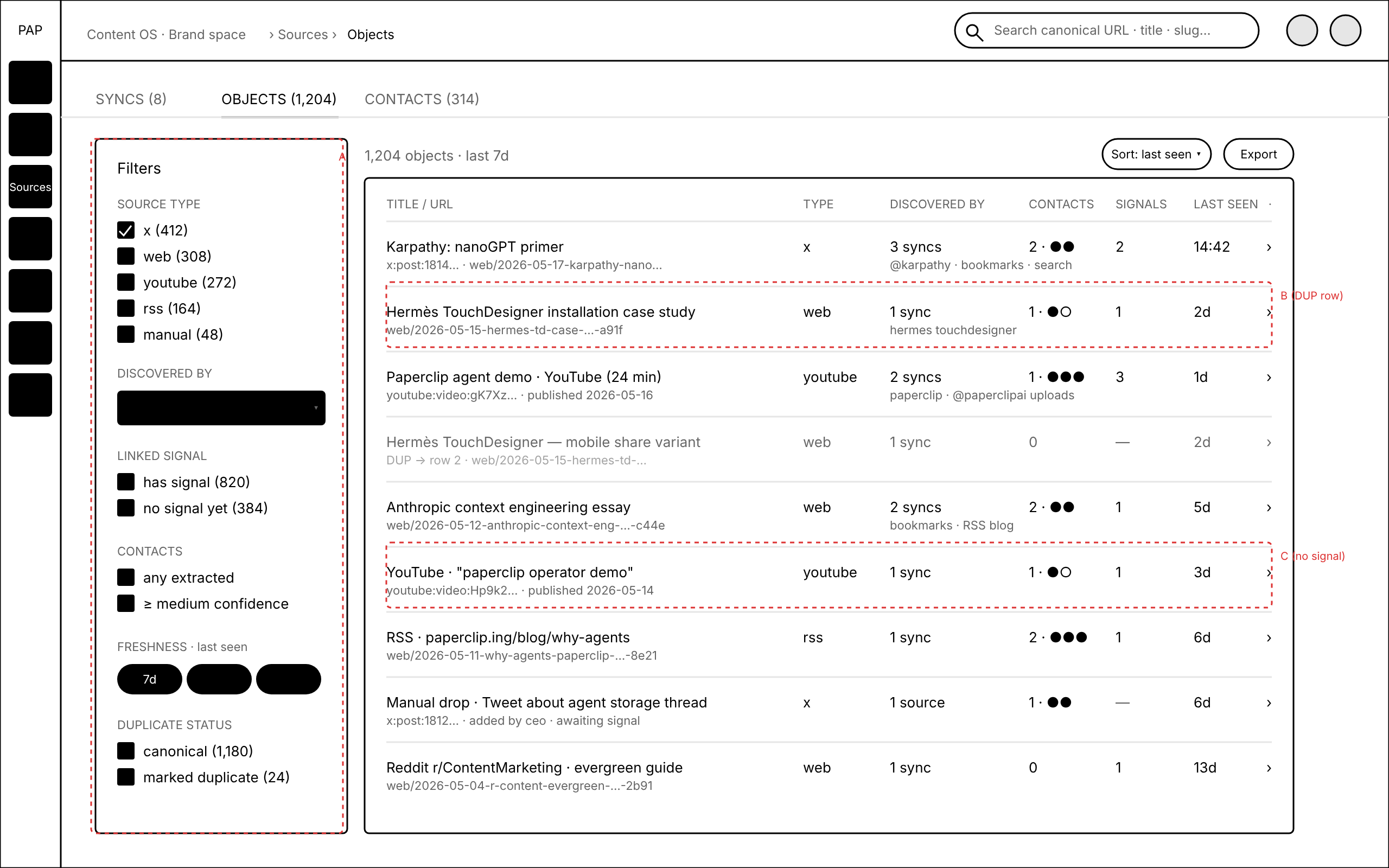
Every deck follows the same strict house style: black 1.5px strokes, an 8px grid, #e6e6e6 placeholders, and a red-dashed layer reserved for annotations. The only color on the page is the annotation layer, so review comments land on structure: which screens exist, what each one holds, where the flow branches.
复选框选择带入 continuation 唤醒 — 复选框选择现包含在 continuation 唤醒中,agent 恢复任务时会保留你勾选的选项。(#8893、@cryppadotta)
开始使用
Install the wireframe skill from the bundled skills catalog (it ships with Agorid as of v2026.609.0), then point any agent at an app idea or a screen list. The 教程 builds the weather-app deck end to end; the wireframe skill reference covers the prompt conventions and the house style in full.
构建前先审
Most of what agents produce arrives as finished work you inspect after the fact. A wireframe deck is the opposite: an artifact the whole team reviews before anyone commits to a build. Drop the viewer link in the issue and let the board mark up screens while changing the answer is still cheap. The skill shipped in v2026.609.0 alongside the company Artifacts page and video attachments; the release announcement covers the rest.